Menu
See the software instead of reading generic CRM promises.
These are real screens from the Windows application, so you can see the interface, workflow and product structure before release.
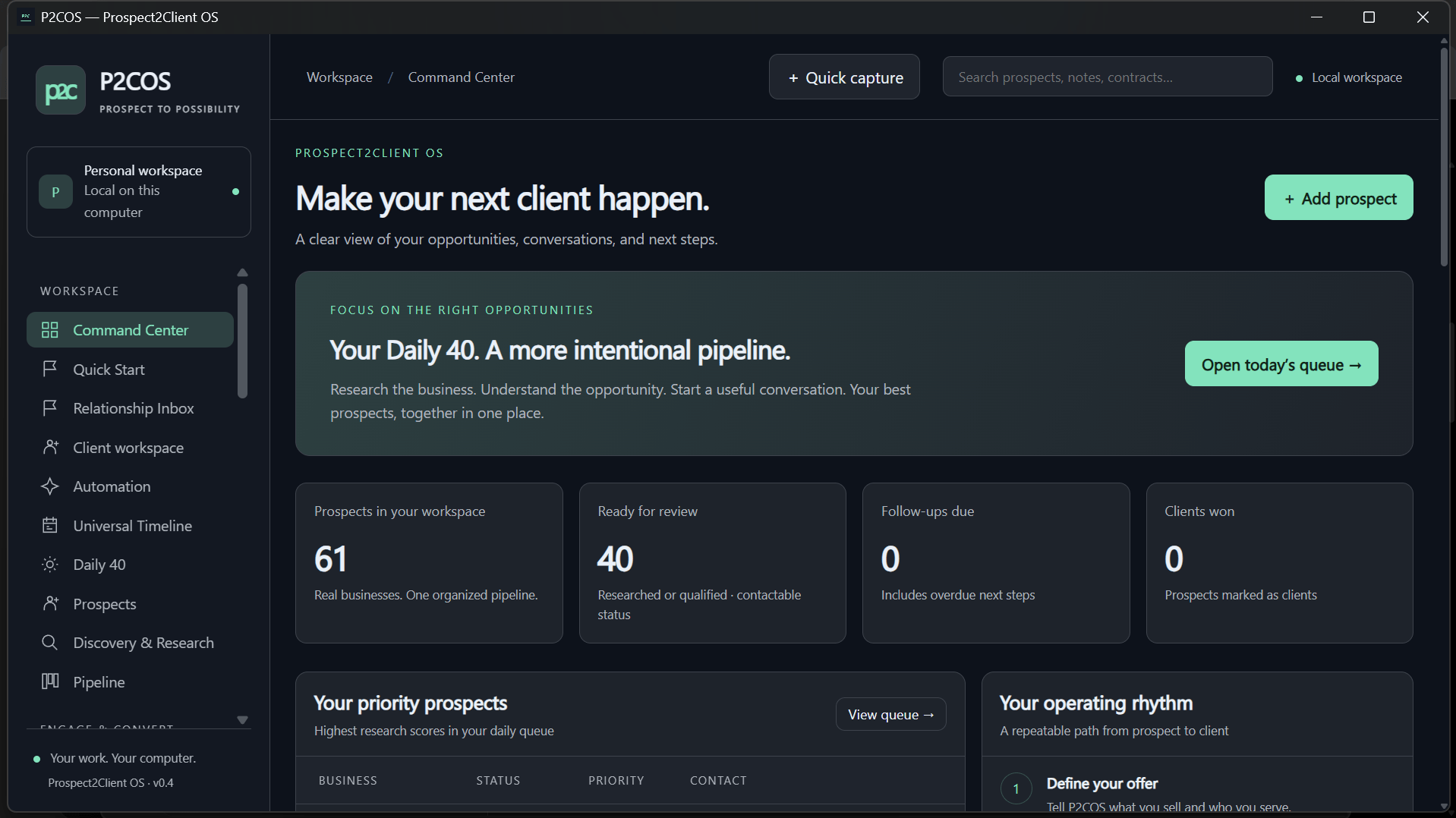
Command Center
Operating priorities in one place.
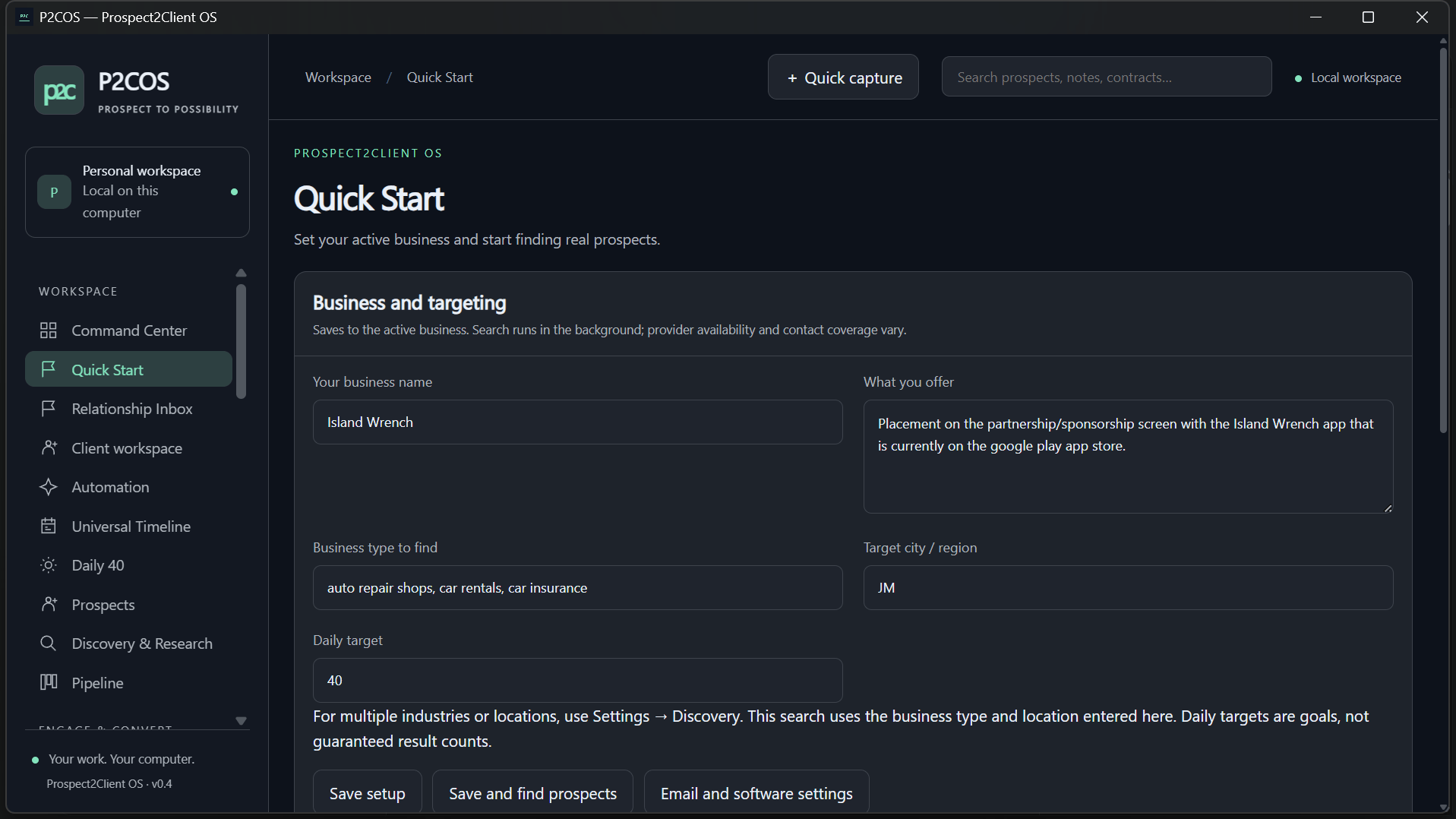
Quick Start
Define business, target and first useful action.

Discovery
Find and organize relevant businesses.

Daily 40
Work a deliberate daily prospect queue.

Pipeline
Track movement through the relationship.

Contacts
Keep people and businesses connected.

Outreach
Prepare and retain communication context.

Outreach controls
Review and control consequential sends.

Email health
Keep sending health visible.

Relationship calendar
See follow-ups and commitments together.

Proposals & quotes
Move opportunity into commercial work.
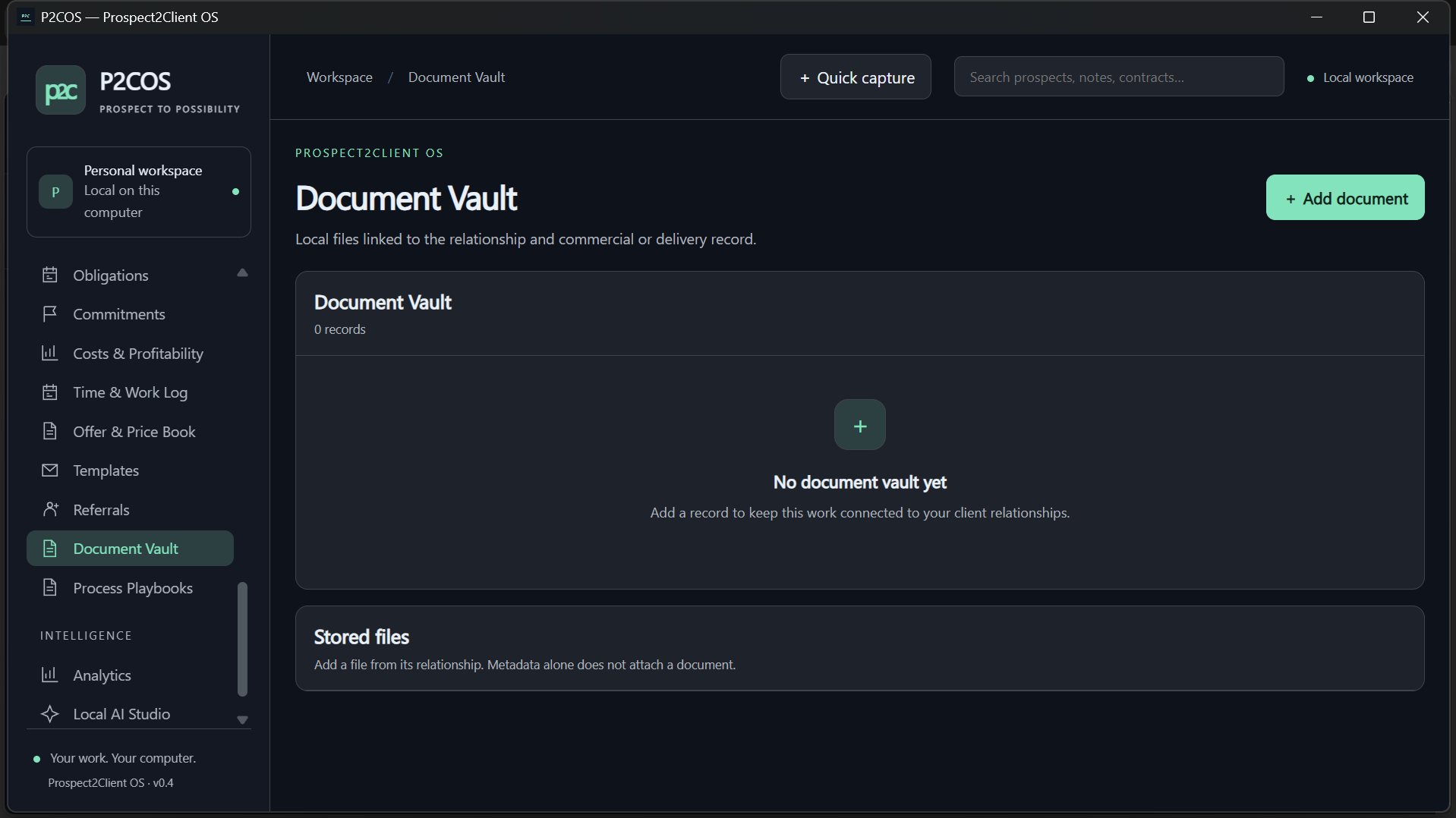
Document Vault
Keep relationship documents organized.

Client success
Carry context beyond the sale.
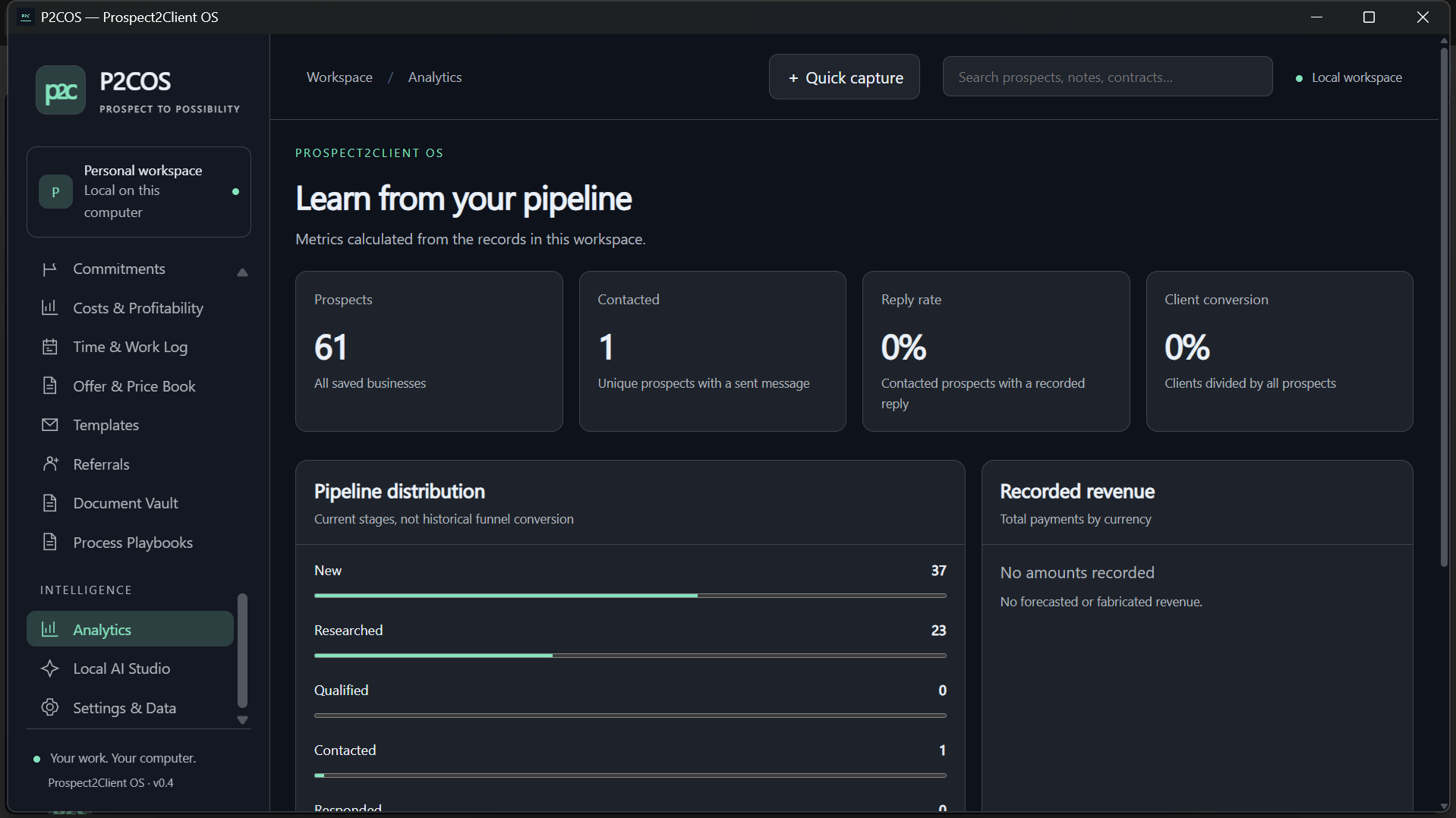
Analytics
Measure activity and conversion.

Automation
Control connected workflow behavior.

Local AI
Optional Ollama-powered assistance.

Appearance
Choose a workspace palette.

Layout
Tune the desktop workspace.

Business settings
Define business operating context.

Targets & workflow settings
Configure targets and workflow.

Commercial policy
Set owner-defined boundaries.